Attention Frustrated AI Users That Own A Business
Build Your Own AI Operating System In 1 Folder Today
Without re-explaining your business every new chat, hunting for your own work, or writing a single line of code
A Must-Read Message for Frustrated AI Users Tired of “scattered AI” & losing work across projects
Ryan “RyMac” McKinney
USMC
Dear Frustrated Business Owner,
Let me know if this sounds like you:
- You open a new chat & paste the same paragraph about your business that you pasted yesterday?
- You’ve got more than 1 business crammed into Claude & you can’t find a thing in there?
- You’ve spent more time figuring out the setup than using the tool?
- Every guide you found assumed you already knew how to use a “terminal”?
- You bought a “guru’s” course & all you got was a dashboard to look at?
If so, you’re not alone.
Every month people type “ai os” into YouTube 129,830 times.
That’s a city full of business owners asking the same question you are...
“How do I get my AI to actually know my business?”
You want to open a chat & have your AI already know every business you run.
You want your emails to sound like you wrote them.
You want to stop hunting for your own work.
You want to run every business you own out of 1 folder without writing a line of code.
Hell, you just want to stop explaining your own business to your own AI.
It doesn’t feel like too much to ask... after all, you’re good at what you do.
But every morning you open a new chat & the cursor blinks at you like it has never met you.
Because it hasn’t.
So you paste in the paragraph about your business. Again.
Your AI writes the email you asked for. The email sounds like a robot wrote it. Your AI called your customers “clients” & you have never once called them that.
So you fix the email by hand. Line by line.
And that little voice in the back of your head says...
“I could’ve just written this myself in the time it took to explain my business to this thing...again.”
So you try a longer chat.
A longer chat is a bigger room. It still has 1 door.
Or you make a project for every business. Now you’re standing in 1 room with the door shut, and the room next door is gone.
So you go looking for help.
And you find the “YouTube gurus” just pushing courses to sell you a second brain.
Those courses cost $1,000s... & what you get for the money is a dashboard to look at.
Somebody watching 1 of those videos said it better than I can...
“I need to be able to DO things not see them”
And 1 of my members said this...
“Most gurus charge an arm and a leg and still leave out the part that makes it work.”
Kenneth Korte
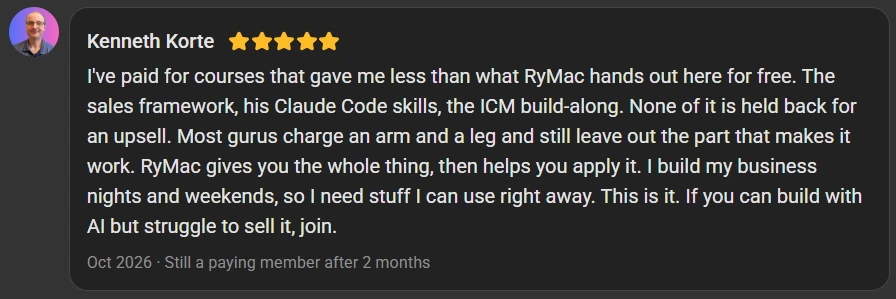
The “gurus” don’t run a real business out of what they’re selling you. They run a YouTube channel about it and are usually just pimpin’ affiliate products.
It’s unfortunate but it is what it is.
The truth about your current AI journey:
You end up feeling more like your AI’s assistant than the owner of your business.
Let’s do the honest math on that.
A business owner on Reddit put a number on the re-explaining...
“Roughly 3-4 hours per week re-uploading documents, re-explaining”
Use the low number. 3 hours a week.
That’s 156 hours a year. Almost 4 full work weeks, spent explaining your own business to a machine you’re paying for.
Say your time is worth $75 an hour. (Put your own number in. I bet yours is higher.)
That’s $11,700 a year.
A research study shows on average, a small business owner loses about 1.5 hours (96 minutes) every day to unproductive tasks or busywork.

Do Your Own Math, It Takes 2 Seconds:
Counted on 5 work days a week, 52 weeks a year.
Explain. Forget. Repeat. Lose $563 a week.
It feels like Groundhog Day, doesn’t it?
It’s aggravating as fire. I get it.
I’m not a guru & I’m not a coder... I can’t write a line of code.

My name is Ryan McKinney, and since boot camp everyone’s called me RyMac... these days it’s me, 2 dogs, and a laptop.
I run every business I own out of 1 folder.
To date (November 9, 2026) my 1 Folder AI Operating System has:
- 12,595,897 words
- 53,218 files
- 6,007 folders
All of it without a second brain “app”.
I know the struggle because I spent months & $1,000s of dollars struggling with AI myself, my Claude bill alone is $998.
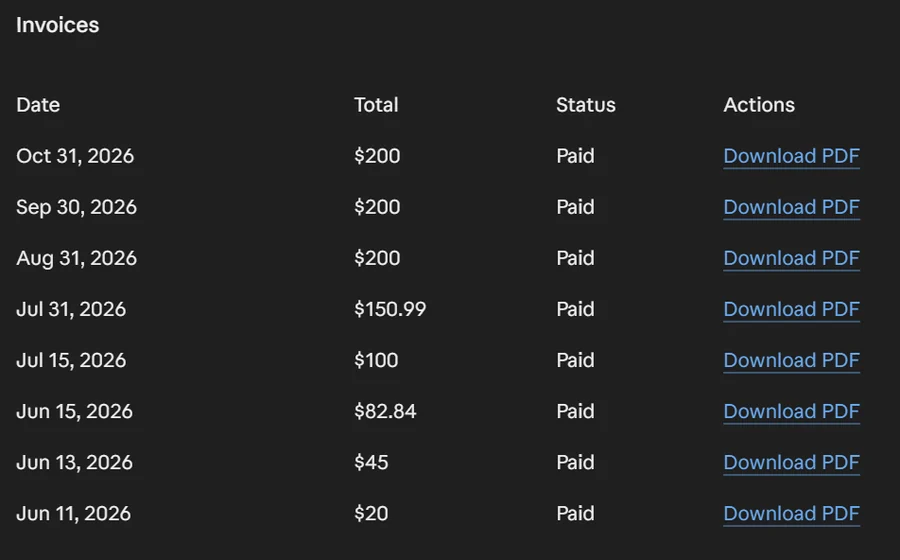
I’ve spent my career building marketing and sales systems and helping my clients close over $10,000,000 in sales pre-AI...
The old, hard way.
I was even featured on Entrepreneurs on Fire
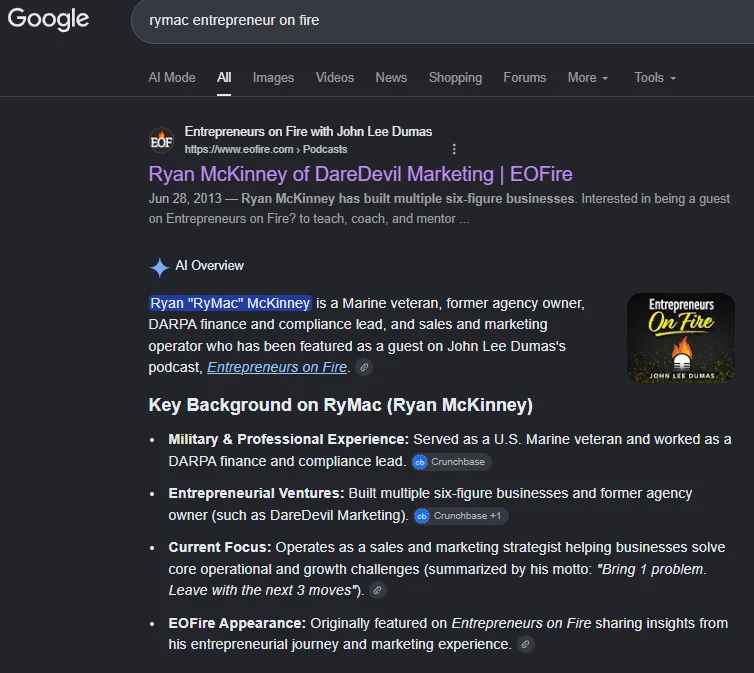
Currently, I hold a weekly mastermind with other business owners.
I started building their AI Operating system with them out of 1 folder just like mine.
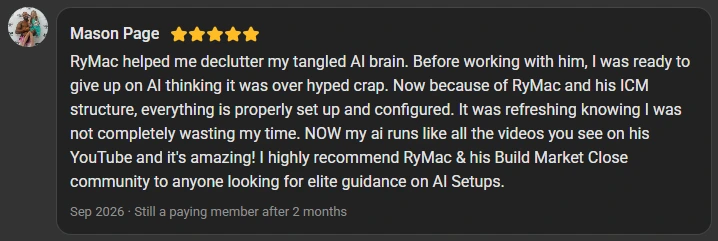
I want to introduce you to Mason
Mason Page was the first 1 who told me he was ready to quit. Mason runs an electrical business & a coaching brand. He had 4 different AIs running & none of them read from the same place.
Here’s what Mason wrote on Skool’s review page...
My members kept asking me the same questions.
So I wrote down every step I take, 1 click at a time, & turned the steps into a course. More on that in a minute but...
Now my focus is business owners who run their business out of Claude & lose hours every week to the copy n’ paste job.
Owners like you.
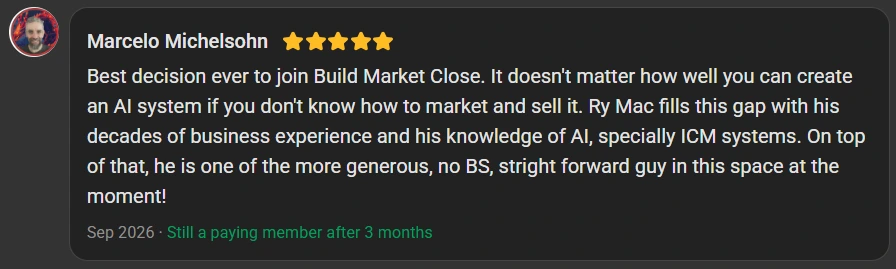
And owners like these below:
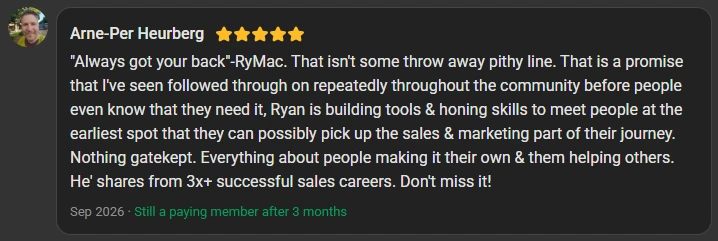
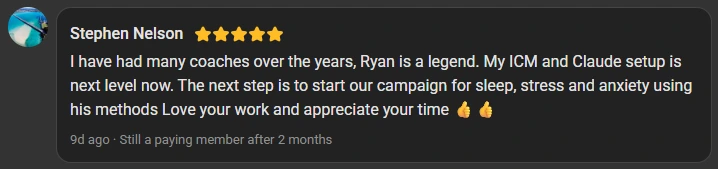
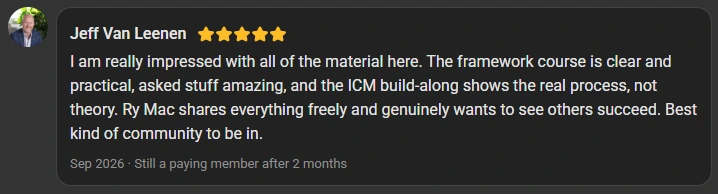
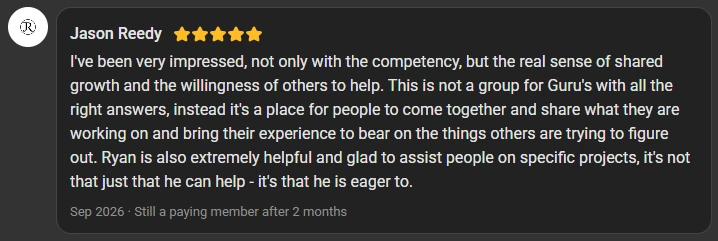
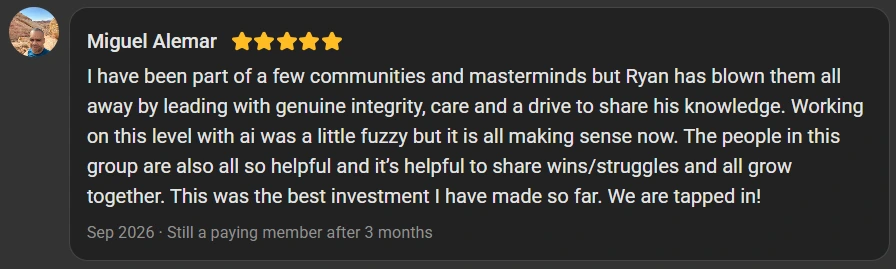
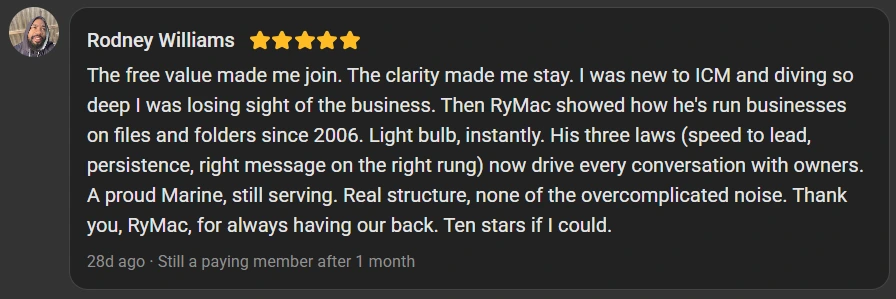
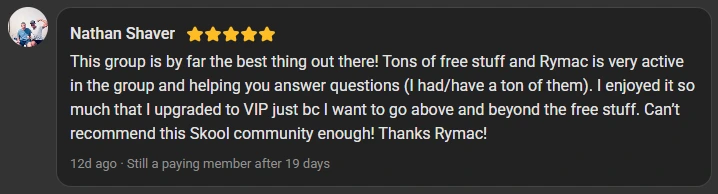
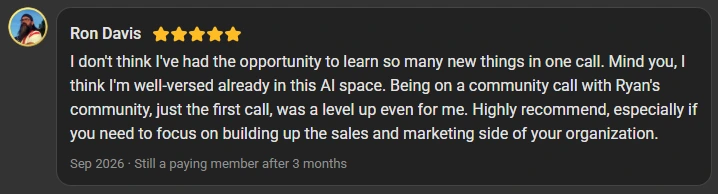
Every problem you have comes from 1 place...
Your Claude doesn’t have a memory... your Claude has a folder... or it doesn’t.
Everybody calls this a “second brain”... but a second brain alone is not enough.
You need a structured way for your AI agent to read through and remember your work. This structured way is called “Interpretable Context Methodology” or ICM for short.
There’s a paper written by Jake Van Clief on this methodology. I read it and turned it into my very own AI Operating System that runs out of 1 folder.
I want you to think of it as a building with easily accessible offices. And, right now your “building” has sealed off offices.
The fancy name I have given my building is:
The 1 Folder AI Operating System
Claude is sitting at the front desk of this building & reads a map before you type, so that Claude knows my business on the first line of a brand new chat.
1 agent... 1 desk... 1 map.
The “gurus” teach theory... The 1 Folder AI Operating System teaches what I and my client’s do....
The course is “baby steps”, 1 click per step, & what you should see after the click. Here’s an example from the course:
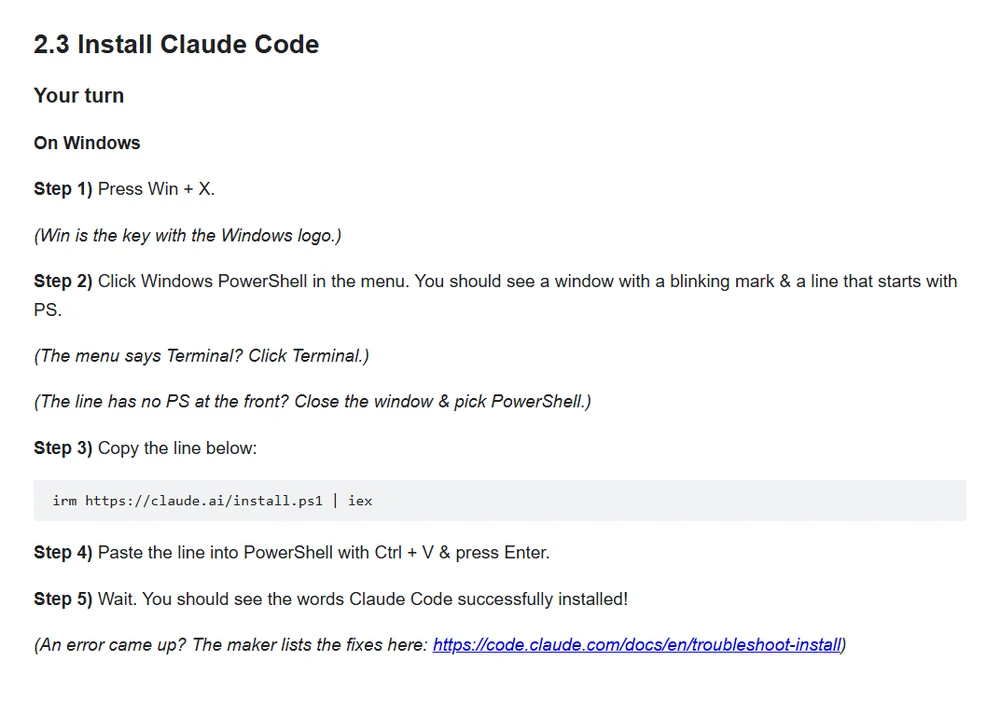
What Should a 1 Folder AI Operating System Look Like?
(Sound starts 10 seconds in)
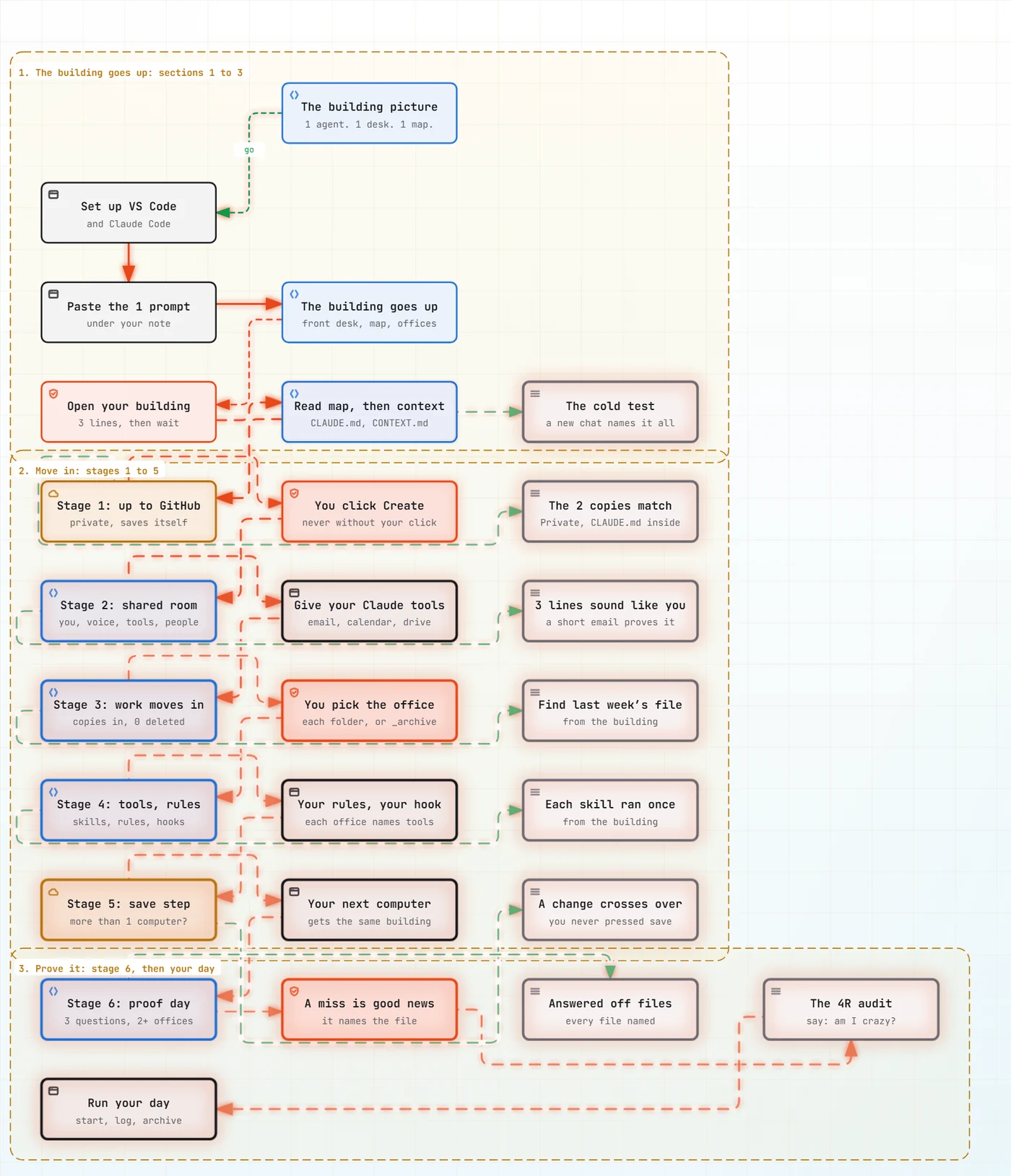
The 1 Folder AI Operating System course walks you through 4 things before the first stage:
- VS Code from zero, so that you have 1 free window that shows your folders on the left & your Claude on the right
- Your Claude inside that window, so that your Claude works inside your own folder instead of a chat that forgets you
- Your building goes up off 1 prompt, so that every business you run gets its own office in 1 sitting
- The cold test, so that you watch a brand new chat name every business you run without you typing a word
Then all 6 stages:
GitHub
The building goes up to GitHub as a private master copy, so that your brain never lives on 1 computer.
Your shared room
Fill the shared room with who you are, how you talk & your tools, so that no office ever asks you again.
Your work moves in
Your folders move in as copies & nothing gets deleted, so that you stop hunting for your own work.
Your tools & rules
Your tools move in & each office names its own, so that a fresh session knows what’s there without you telling it.
The save step
The save step runs after every reply, so that 2 computers or more than 2 computers can run 1 building.
Proof day
3 questions that each need more than 1 office, so that you know every door is open.
Every stage proves itself before the next 1 starts.
Now you might be thinking...
“But my setup is different. I only run 1 business.”
No build is the same. Some owners run 1 company and some run 3. Some work off 1 computer and some off 3.
Your building gets built off a note you write about your businesses... not mine.
Steve Nelson runs the business side of a mentoring company in Australia off 3 computers. Steve told me this stuff made him feel dumb. 2 weeks later he sent me 1 line...
“The farm computer is done.”
Steve Nelson

Or you might be thinking...
“I can’t code. And VS Code has the word code right in the name.”
“Code” is a scary word... I don’t write any.
You read files on the left & you type plain English to your Claude on the right.
I show you how to use VS Code like I do and explain why not to be intimidated.
I also explain how to use the “prettier” version if it feels less intimidating. I personally don’t use that version but I will show you how to use that version in the course.
And the last section is 39 lessons of real questions my members asked me while building.
I didn’t make up 1 of them.
And if you get stuck, drop a post in the community & I will absolutely help you figure out the fix.
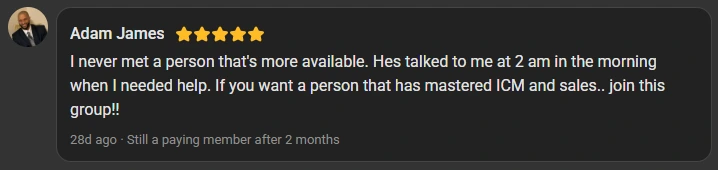
Here’s what Adam James says about that...
Here’s What You’re Getting
Also Included In The 1 Folder AI Operating System Course
- 125 lessons in 14 sections, so that you walk from an empty folder to a 1 Folder AI Operating System that runs your day
- 186 copy boxes, so that you never type a prompt from memory
- 26 pictures, so that you see what your screen should look like after the click
- A proof step at the end of every stage, so that you know each stage worked before the next 1 starts
- My 14 most used skills, so that you don’t start your tools from a blank page
- The 4R audit on proof day, so that a stranger tests your 1 Folder AI Operating System & hands you a report
- 39 lessons of real member questions, so that the question you’re stuck on is probably already answered
- Help in the community when you get stuck, so that you’re never stuck alone
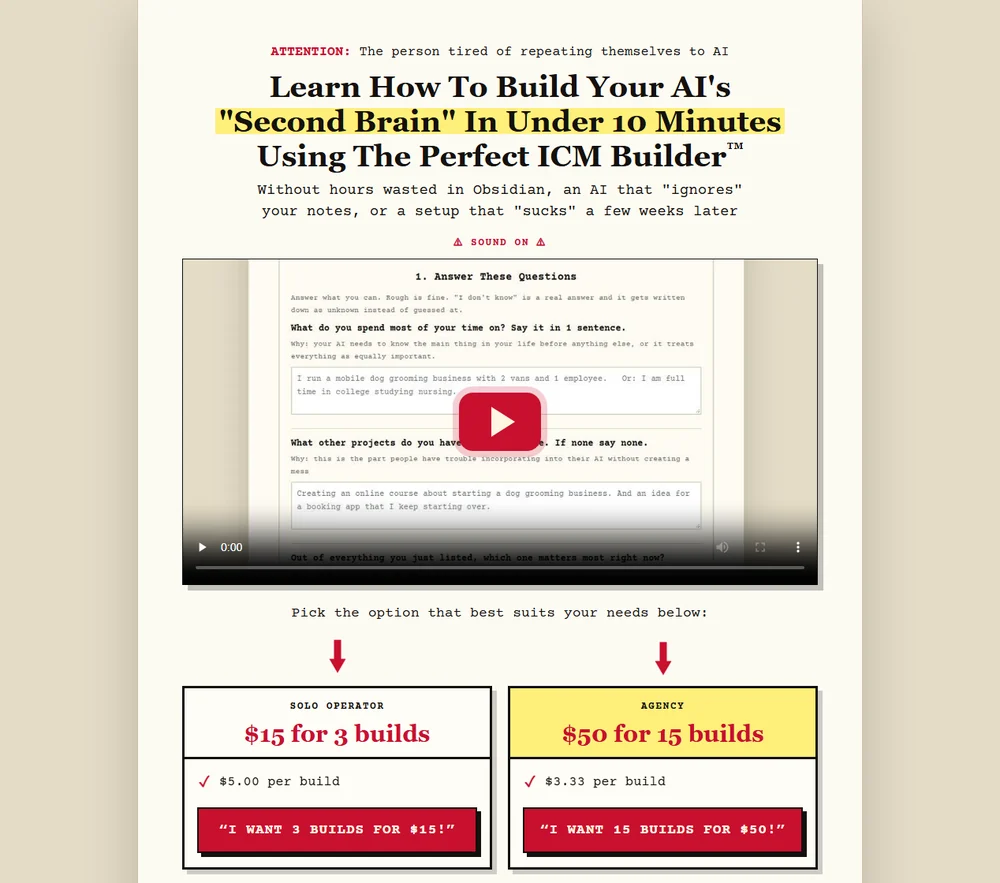
$50 Value Bonus: The Perfect ICM Builder™ With 15 Builds
The Perfect ICM Builder™ sells on its own page for $50 for 15 builds. With the course, your 15 builds come with the course.
Here’s how The Perfect ICM Builder™ fits into your building.
You answer 22 questions about your business. “I don’t know” counts as an answer.
The Perfect ICM Builder™ hands you back a finished folder for that business. The business that matters most sits at the top. The things you keep explaining over & over are written down. The choices you already made are written down. And you get a move list for the stuff you already have.
Then section 11 moves that finished folder into your building as its own office.
So every business you add, every project you start & every part of your brain you want your Claude to know gets built off your own answers. Never off a blank page.
15 builds is 15 offices built out & moved into your 1 Folder AI Operating System.
And you and I both can agree on the honest part:
Every new chat you open this week starts with you doing 1 or all of the following:
- Re-explaining your business again
- Hunting down context
- Staying the professional copy n’ paster between your AIs and/or chats
- Fixing an email that sounds like a robot wrote it
- Burning tokens explaining your own business to a machine you’re paying for
You Have 2 Roads To Go Down From Here
Road 1: keep doing what you’ve been doing.
You leave this page and choose this road.
Tomorrow morning you open a new chat & paste the same paragraph about your business.
Your AI writes another email that sounds like a robot. You fix the email by hand. Line by line.
You hunt for your own work across a project for every business.
You burn tokens explaining your own business to a machine you’re paying for.
Maybe you buy another “guru’s” course & get another dashboard to look at.
And you lose another $29,250 a year to the copy n’ paste job.
Explain. Forget. Repeat. Lose $563 a week.
Road 2: You Get The 1 Folder AI Operating System.
You take some time to build out everything the right way.
Click by click.
You build your 1 Folder AI Operating System first.
You follow the 6 stages.
Then,
Your Claude reads the map before you type, so that your Claude knows your business on the first line of a brand new chat.
Your emails come back in your words.
Your work sits in the right office & nothing gets deleted.
You gain $29,250 a year back & quit your copy n’ paste job.
You can start immediately and have a working 1 Folder AI Operating System Today!
- Imagine opening a new chat & your Claude already knows every business you run.
- Imagine your emails coming back in your words the first time.
- Imagine asking for a file & your Claude hands you the file.
- Imagine never being the copy n’ paster between your AIs again.
- Imagine working from more than 1 computer, or on the go, & the same work is waiting.
- Imagine never wondering if your 1 Folder AI Operating System is built right again.
- Imagine keeping the $563 a week you’ve been handing to the copy n’ paste job.
So You May Be Wondering What This Costs?
The 1 Folder AI Operating System could save you $29,250 this year.
The “gurus” charge $1,000s.
My “done with you” offer is $790.
The 1 Folder AI Operating System
$190
✓ Instant Access ✓ Secure processing through Stripe Checkout
No card details ever touch this page.
IMPORTANT: After you secure the course, you will be sent to an order confirmation page with instructions. Since this course is delivered in Skool, you may have to reach out to get your access. While I do have automations in place to “talk” with Skool it doesn’t always work out perfectly.
You may be wondering...
“I’m not technical. Can I really do this?”
Yes. The course is “baby steps”, 1 click per step, & what you should see after the click.
“Code” is a scary word... I don’t write any. You read files on the left & you type plain English to your Claude on the right.
“How long does it take?”
Most lessons take about 5 minutes. The first 4 sections stand your 1 Folder AI Operating System up on your own computer in 1 sitting.
Then you work the 6 stages at your own pace. Every stage proves itself before the next 1 starts, so you always know where you are.
“Do I need to pay for Claude?”
Yes. Claude Code doesn’t come with the free Claude plan. Pro runs Claude Code, & lesson 2.2 shows you how to check your plan before you start.
The course itself is $190, 1 time. You get no monthly bill from me.
“Does this work on a Mac?”
Yes. Windows 10 or newer, or macOS 13 or newer. Every install step shows you both.
“I already built a bunch of projects. Do I have to start over?”
No. Stage 3 moves your folders in as copies & nothing gets deleted. Every original stays right where you left it.
“I use ChatGPT too. Do I have to quit it?”
No. Lesson 5.7 adds ChatGPT as a tool, so that your Claude brings the answer back & you never open ChatGPT.
“Is my business stuff private?”
Your building lives on your own computer. Stage 1 puts a private master copy on GitHub, & you see with your own eyes that your copy is private.
“What if I get stuck?”
If you get stuck, drop a post in the community & I will absolutely help you figure out the fix.
And section 13 is 39 lessons of real questions my members asked me while building. The question you’re stuck on is probably already in there.
“How do I get into the course after I pay?”
The course lives in my Skool classroom. After you secure the course, you’re sent to an order confirmation page with instructions. If your access doesn’t open on its own, reach out & I’ll open your course by hand.
Every answer comes back to the same thing.
1 folder. A map your Claude reads before you type. An office for every business you run. Built 1 click at a time, with proof at every stage.
That’s The 1 Folder AI Operating System, & you can start yours today.
The 1 Folder AI Operating System
$190
✓ Instant Access ✓ Secure processing through Stripe Checkout
No card details ever touch this page.
IMPORTANT: After you secure the course, you will be sent to an order confirmation page with instructions. Since this course is delivered in Skool, you may have to reach out to get your access. While I do have automations in place to “talk” with Skool it doesn’t always work out perfectly.
Always got your back,
RyMac
P.S. A second brain is 1 room. The 1 Folder AI Operating System is the building. You learn how to build them the right way first. Then you move in your “scattered” work and tools & enjoy a powerful 1 Folder AI Operating System. Click here to get the full course for $190.
P.P.S. You may be skeptical and that’s a good thing. If you have questions feel free to DM any member you’ve seen on this page in my Skool. They will tell you their experience with me. You can always DM me or e-mail me at rymac@filesnfolders.com.